
How do I build a wishlist?
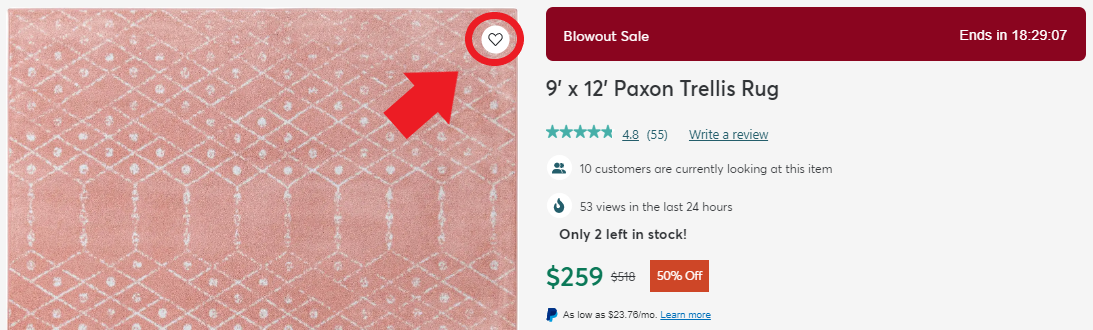
You will notice a small heart icon at the top-right of each product image. Clicking this icon will add an item to your wishlist.
To access your wishlist, you will notice a similar heart icon at the top right of your screen.

Clicking on this will lead you to your wishlist where you can review your favorite items, see similar items, and add products to the cart. You can also share the wishlist with others via email!